Site progress tracking and work management
Real-time overview – the same information on site and in the office.Drawings, markups and current status in one place, on all devices. The only tool on the market that lets you attach markups, instructions, redlines and comments directly to the elements in the drawings.
Track progress by looking, not by asking.
See how it works
Getting the core features up and running was quick, the tool is now in use on several job sites, and the feedback has been good — both installers and site management like it.
Up to 80 % of the time spent at a worksite is inefficient
Source: Aalto University
Immediate savings
Save on copy and travel expenses from day one. Genuinely paperless worksite.
Smooth flow of information
All plans available for everyone. All markups are updated and shown in real-time to all users.
Drawings always up to date
Update the drawings and all markups will be automatically transferred to the new revision.
Boost operations at the worksite
No more guesswork and extra visits at the worksite. See what’s finished and what remains to be done directly from the app.
Easy and clear process
The only tool in the market that allows you to select and mark elements in the drawing itself.
Import PDF file
Import a CAD PDF file into PlanVera in seconds.
Make your markups
Everyone sees the same revision in real-time – at the office and on the worksite.
Update revision drawings
New version in, old markups carried over automatically.
Link documents
Link drawings and markups with other important documents, such as installation or work instructions.
Toolbox for doers
PlanVera brings drawings, progress information and tools to where the work is done: at the worksite, into everyone’s pockets.
Work management and progress tracking
Real-time markups done straight onto the drawings imported from PDFs. Everyone can immediately see what’s finished and what remains to be done.
Project bank
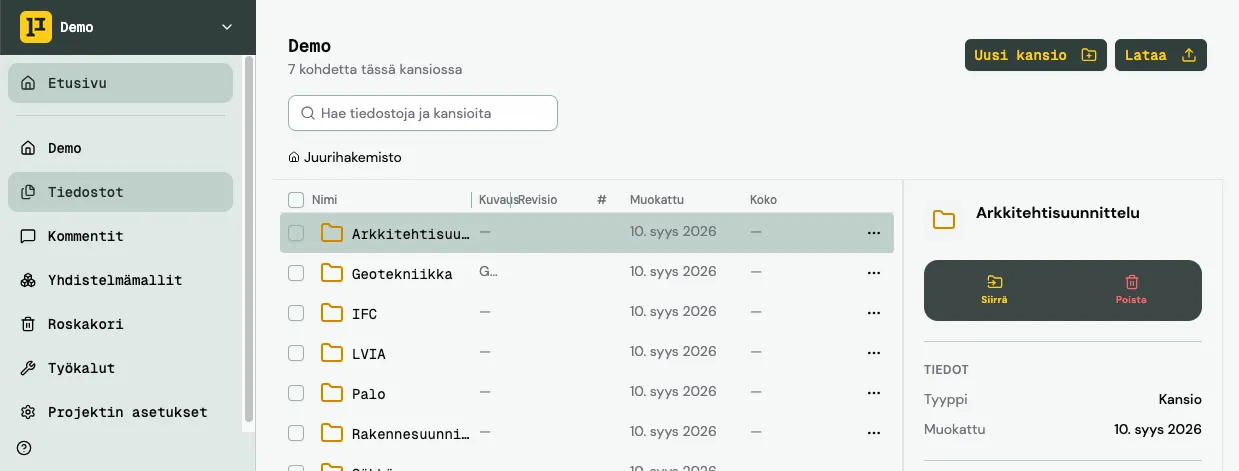
All files in one secure place. Made to work on mobile devices.
Measuring tools
Measure distances and areas directly from the drawings.
Commenting
Redlines and change requests in real-time directly to the designer.
IFC viewer
View and link IFC models to drawings.
Panelboard and cable labels
Pick and generate panelboard and cable labels directly from the charts.
Quantity takeoffComing soon
Automated quantity takeoff from plans.
Who’s PlanVera for?
PlanVera brings drawings, progress information and tools to where the work is done: at the worksite, into everyone’s pockets.
Contractors
Clear overview of all projects. Fewer surprises.
Site managers
Work management without unnecessary phone calls and worksite visits.
Installers
Right information at the right time – directly onto your phone or tablet.
Designers
Faster and more efficient communication about changes and change requests.
Consultants
Clear overview of all projects and rate of progress.
Developers
Know exactly what is going on.
Frequently asked questions
What is PlanVera?
How is site progress tracked in PlanVera?
Who is PlanVera for?
Which devices does PlanVera work on?
What happens to markups when a drawing gets a new revision?
How much does PlanVera cost?
Can I try PlanVera for free?
Where is PlanVera’s data stored?
Want to hear more?
Book a guided demo with one of our experts.
Ready to make site work easier?
Try PlanVera free for 14 days. See how easily drawings, comments and project information stay available to everyone – without paper chaos or outdated versions.
Start your free 14-day trial- No payment details required during the trial
- No automatic subscription